







Only available times
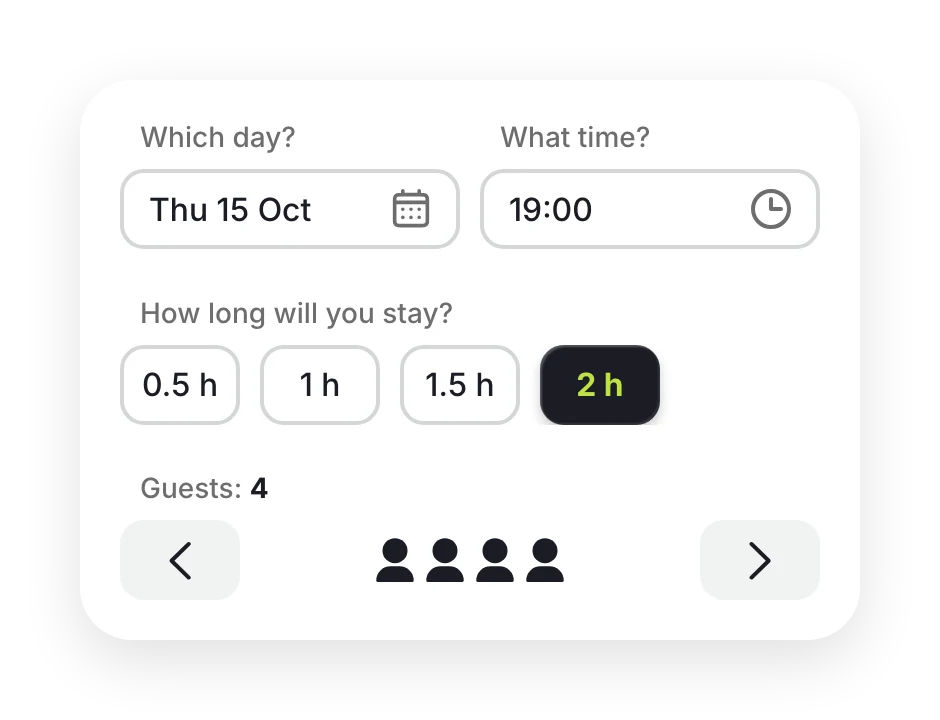
Online booking knows how busy you are, so nobody can book a slot that’s taken.
Guests choose a time online. Your team sees the seating plan, booking details and requests. Every visit is saved to your guest database.
Welcome! A pleasant time awaits you at
Make your visit special!
Almost there… Please confirm your contact details
Done!
Желток & Белок
Table for 19:00, Thu 15 Oct
Online booking knows how busy you are, so nobody can book a slot that’s taken.
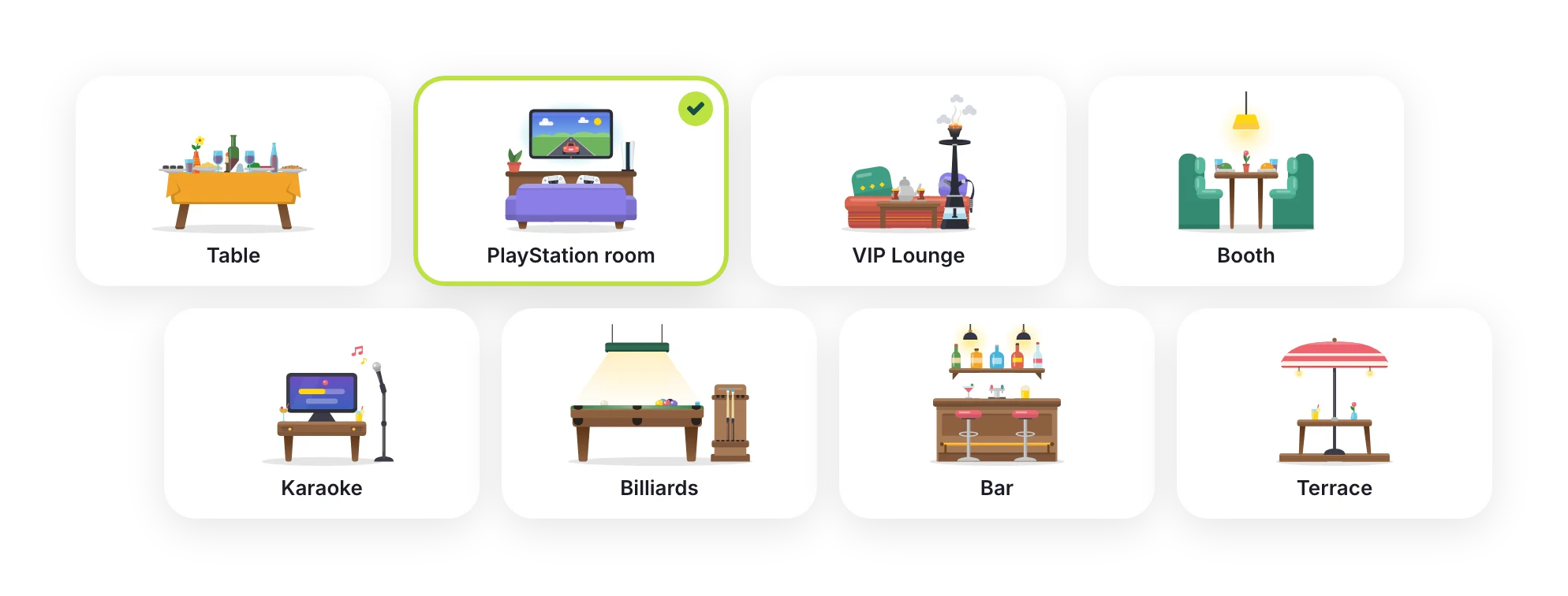
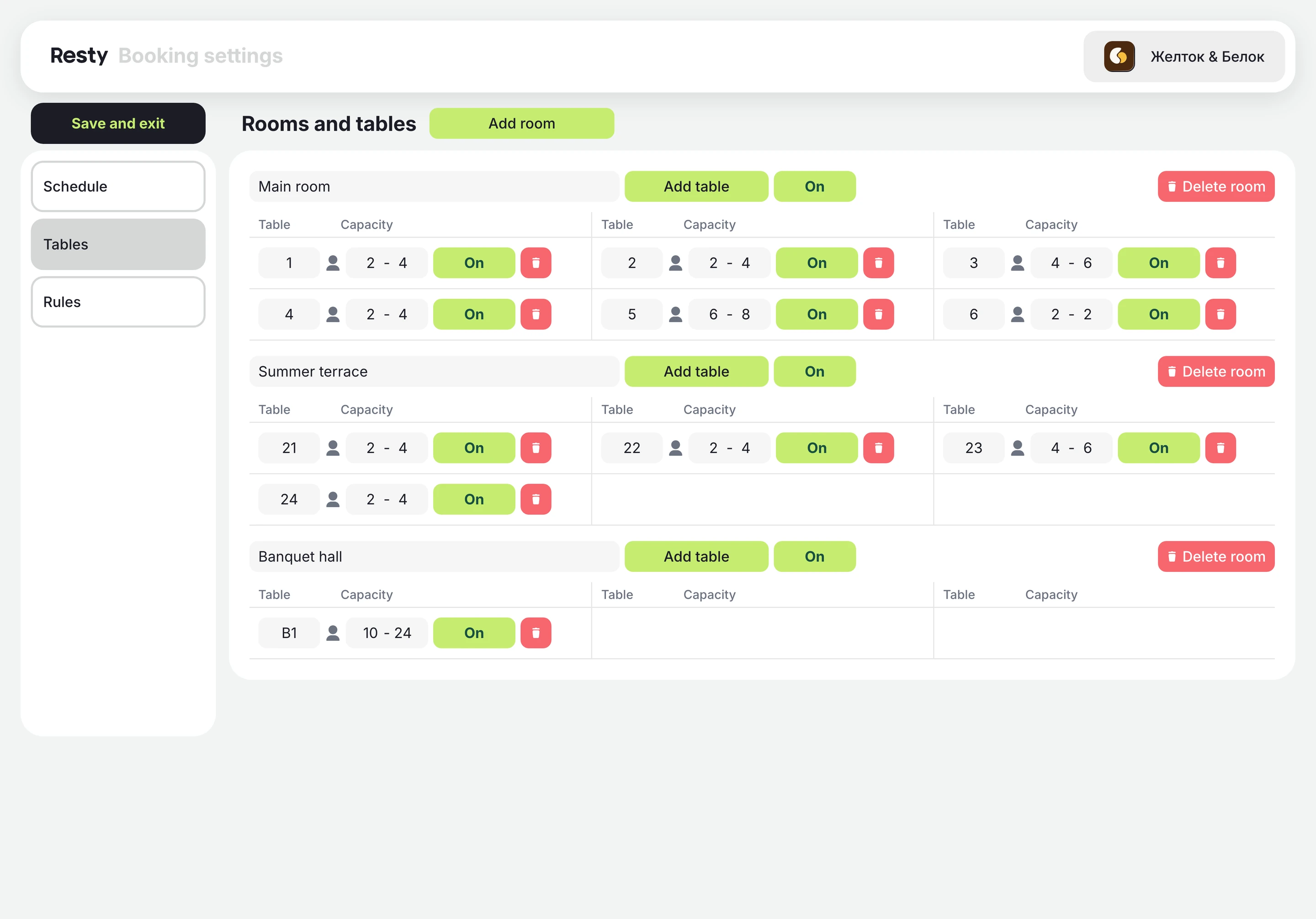
A table, a PS room, VIP Lounge, booth, karaoke or billiards. The picture grows with the booking.
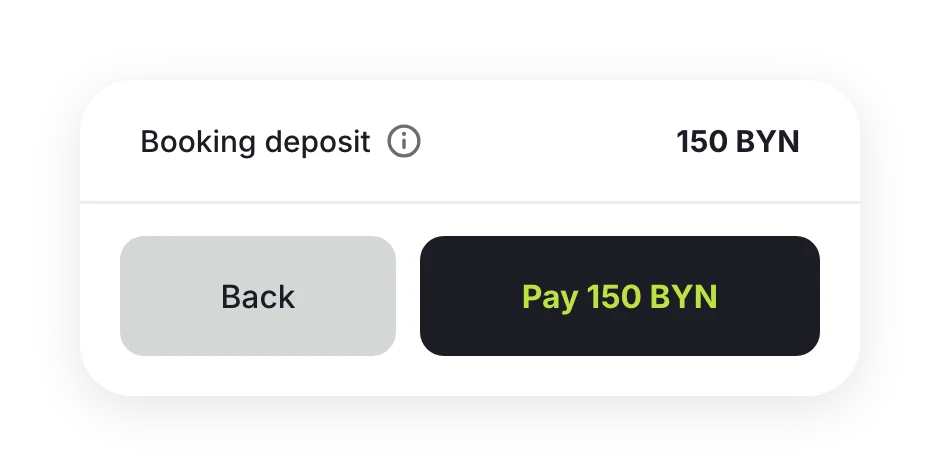
You can take a deposit when guests book.
phone calls: guests book on their own
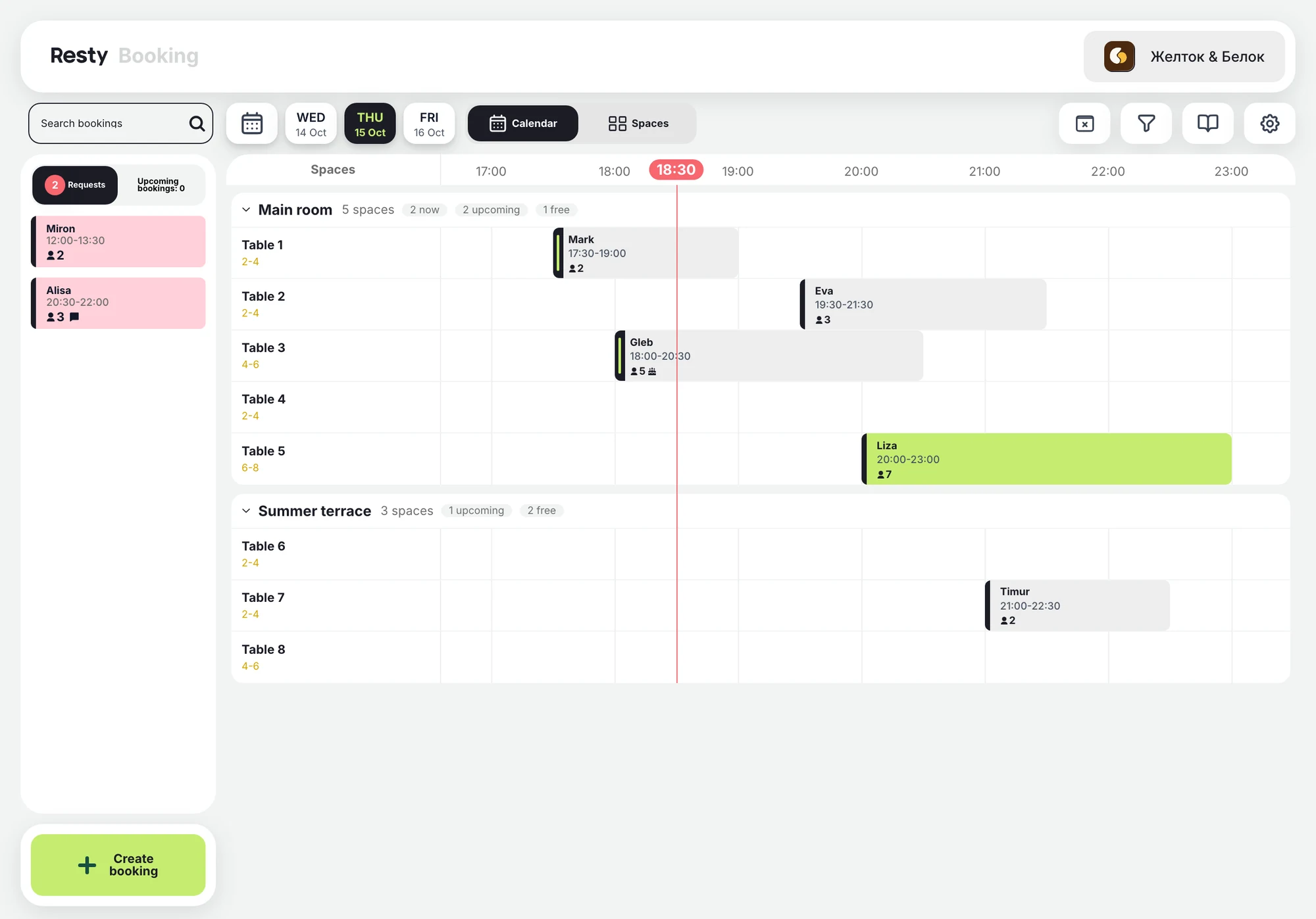
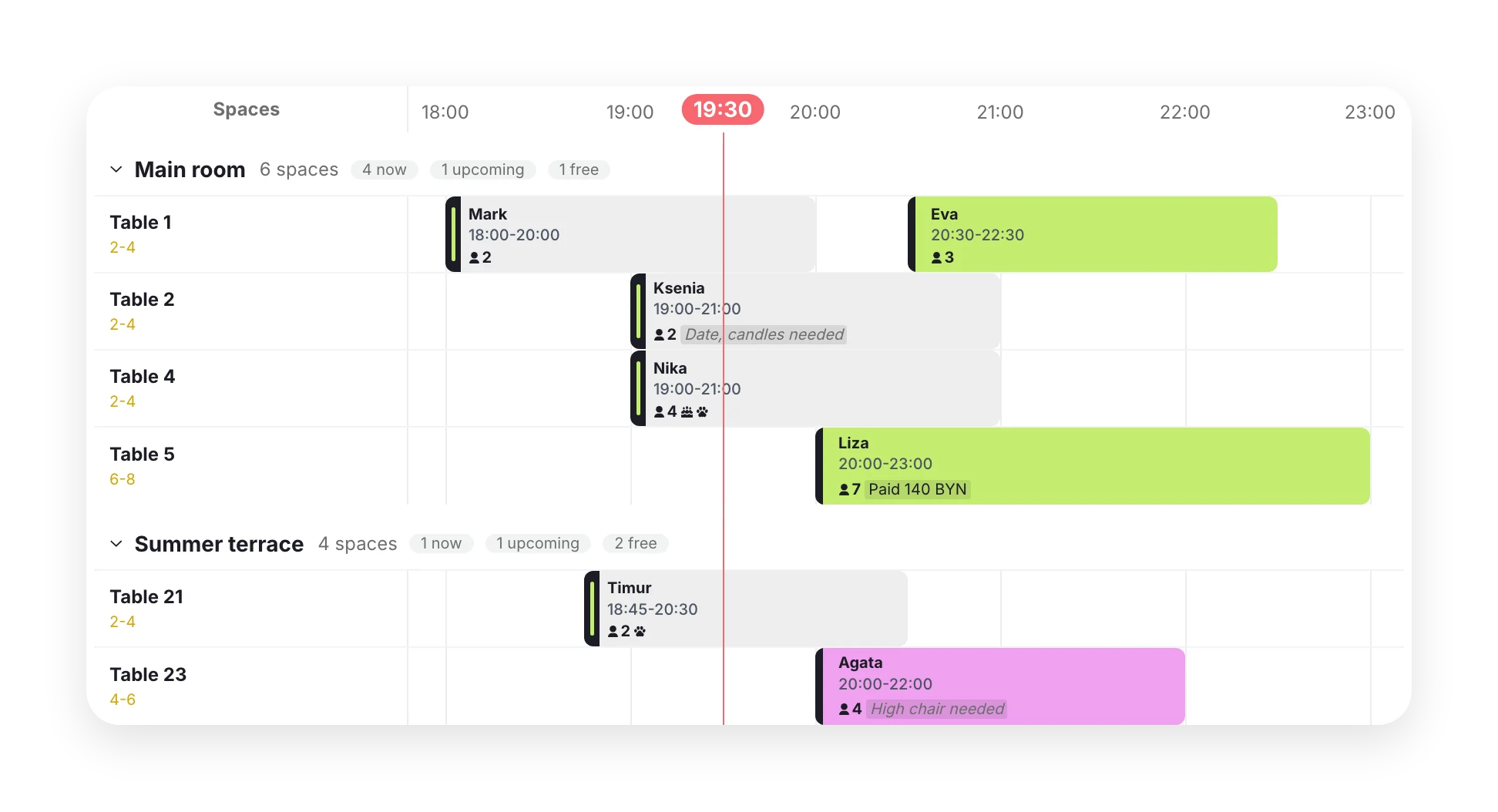
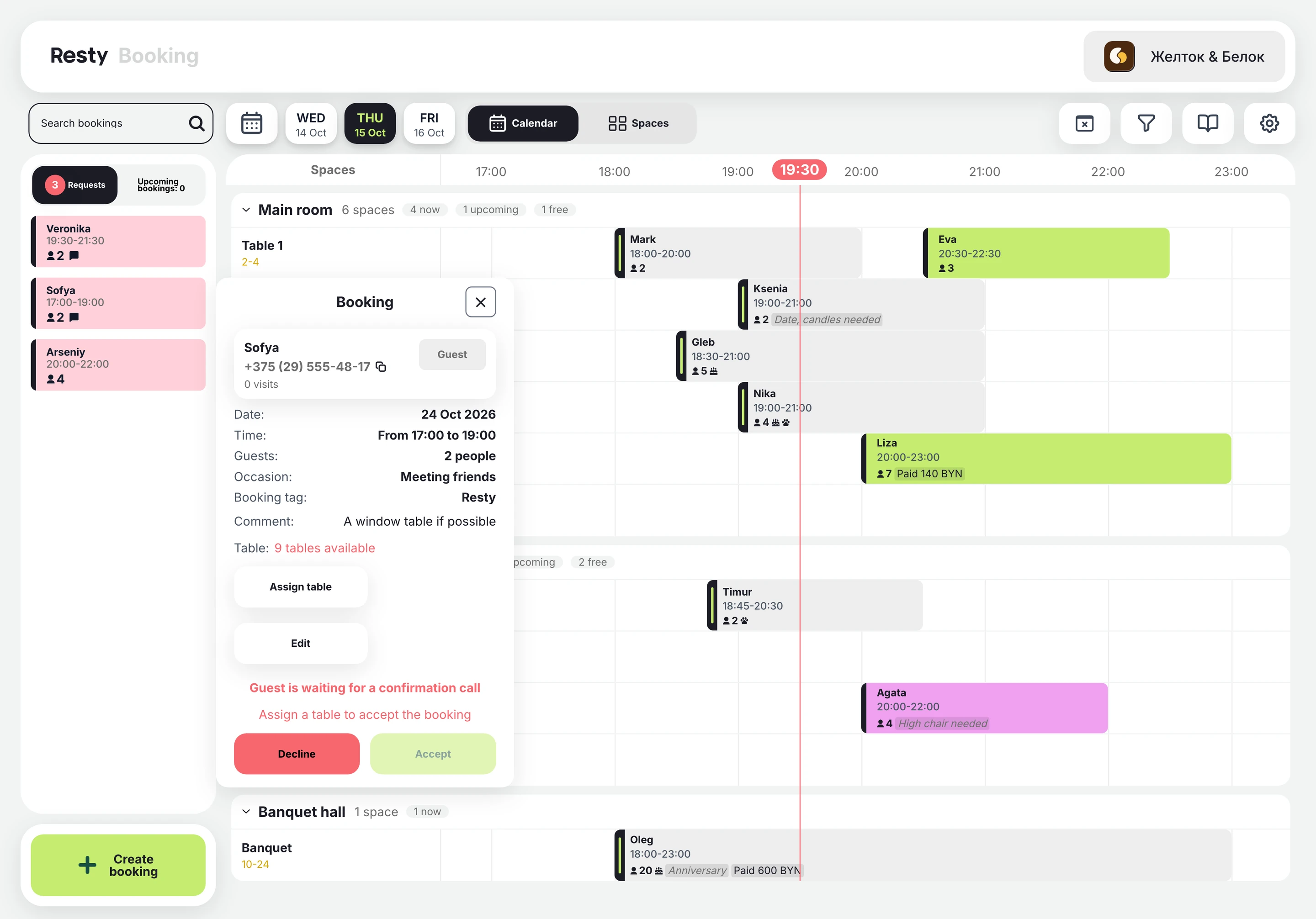
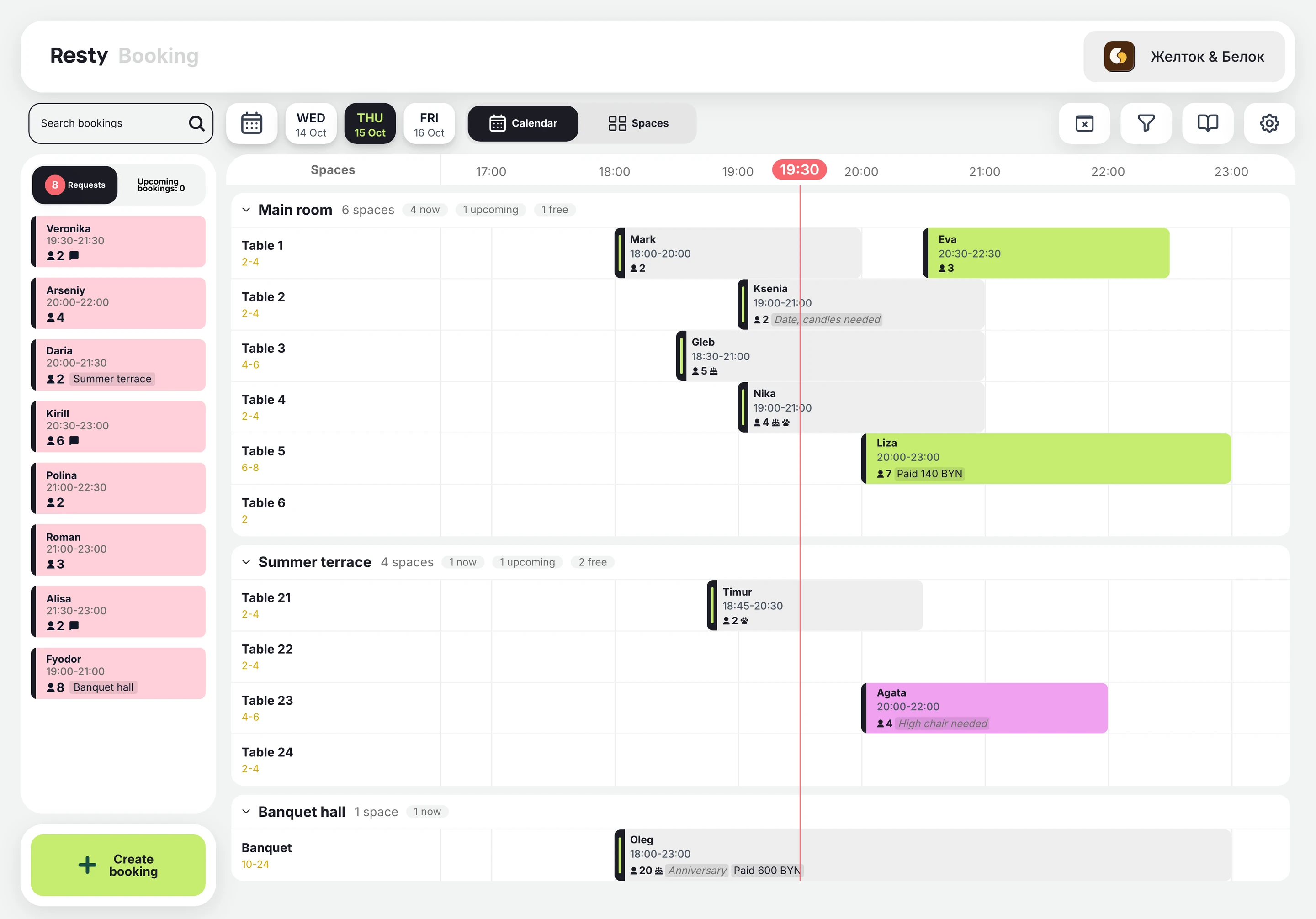
Rooms, tables and bookings by time. See who’s arrived and who’s paid a deposit.
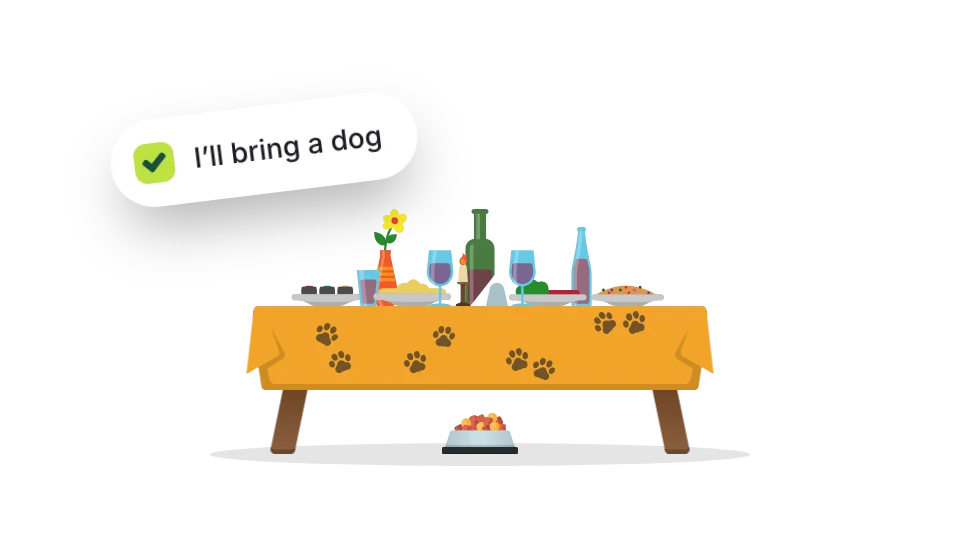
Guests tick “I’ll bring a dog” and see your rules in advance.
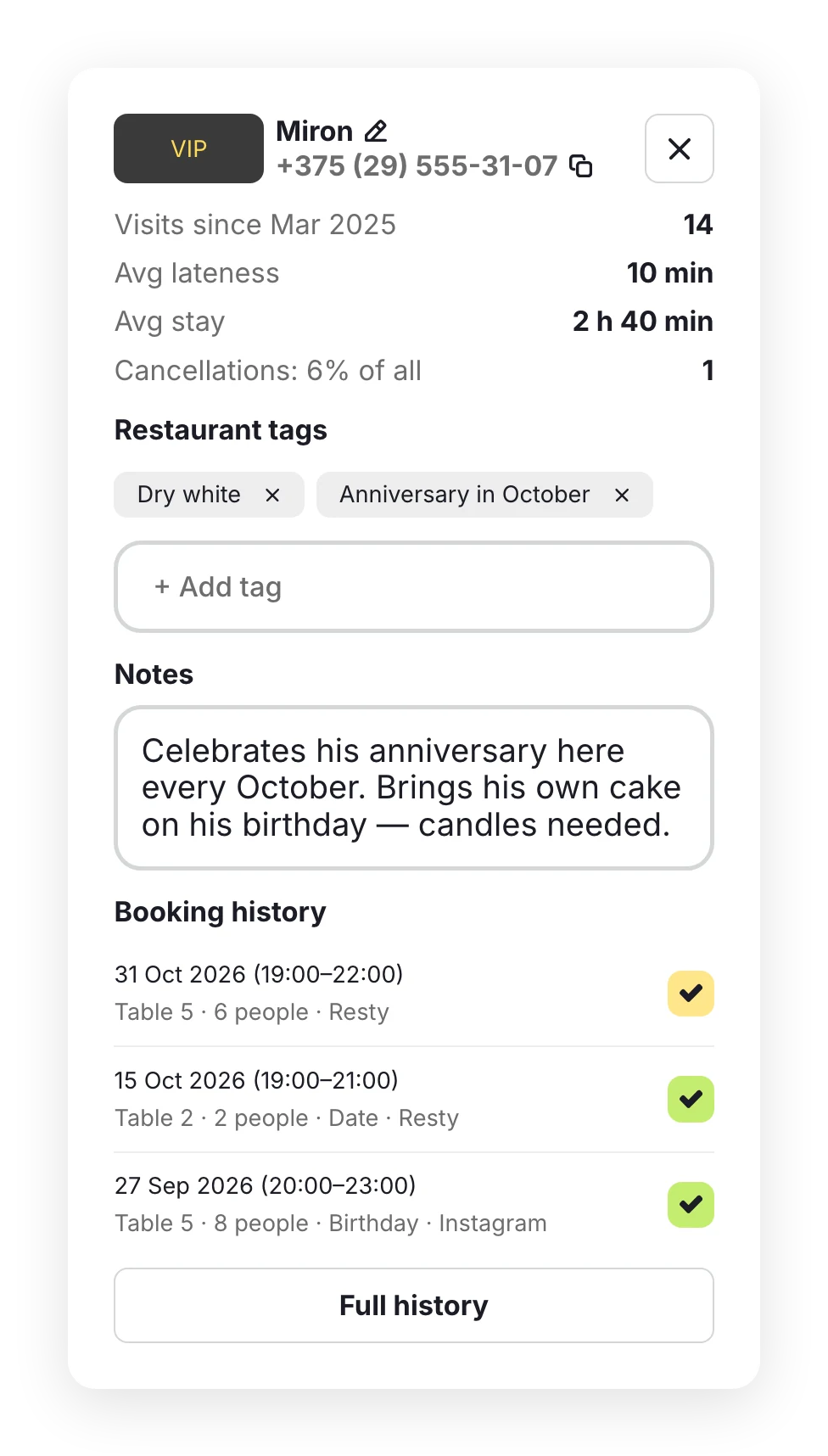
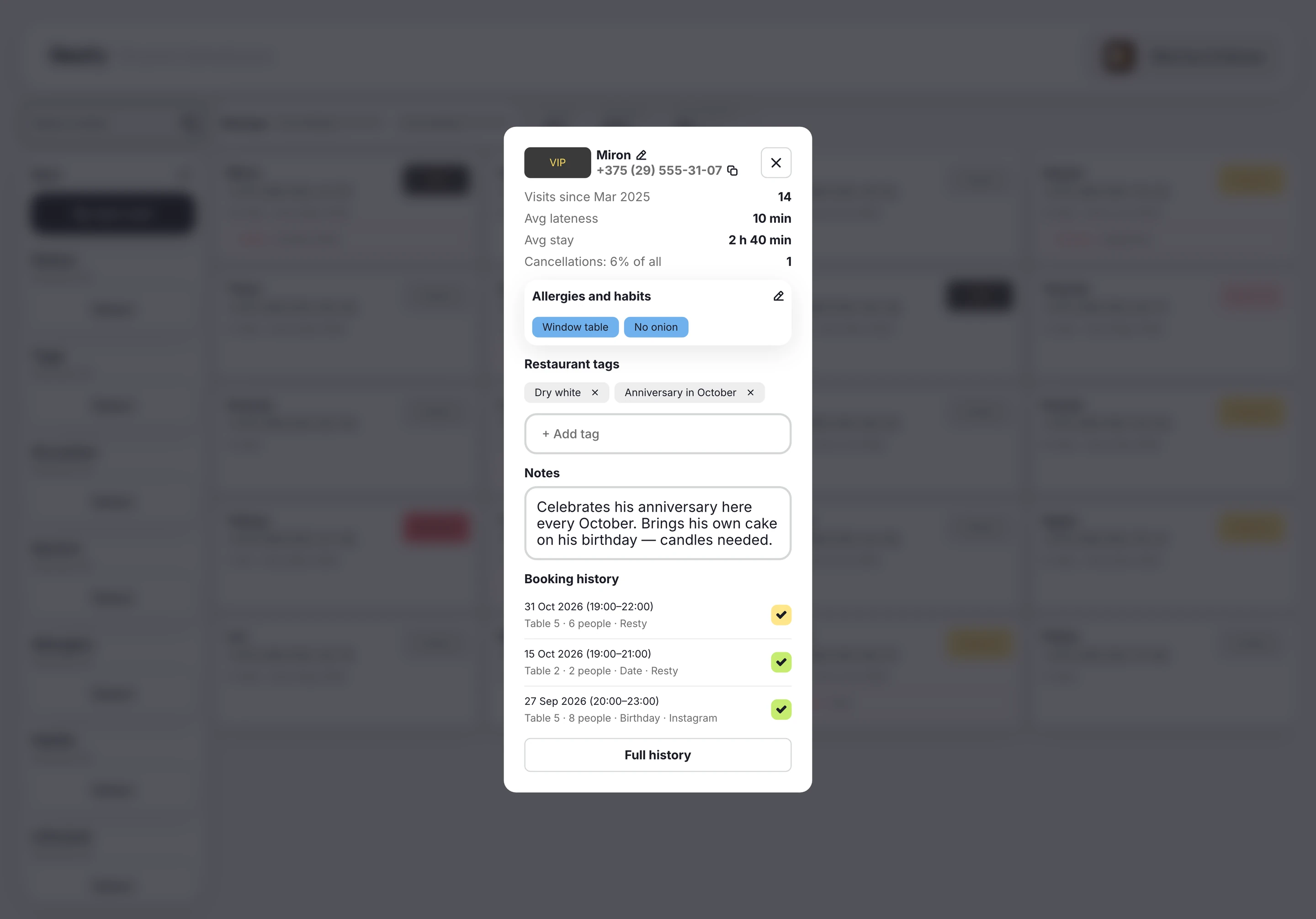
Visits, late arrivals and notes in each guest profile.
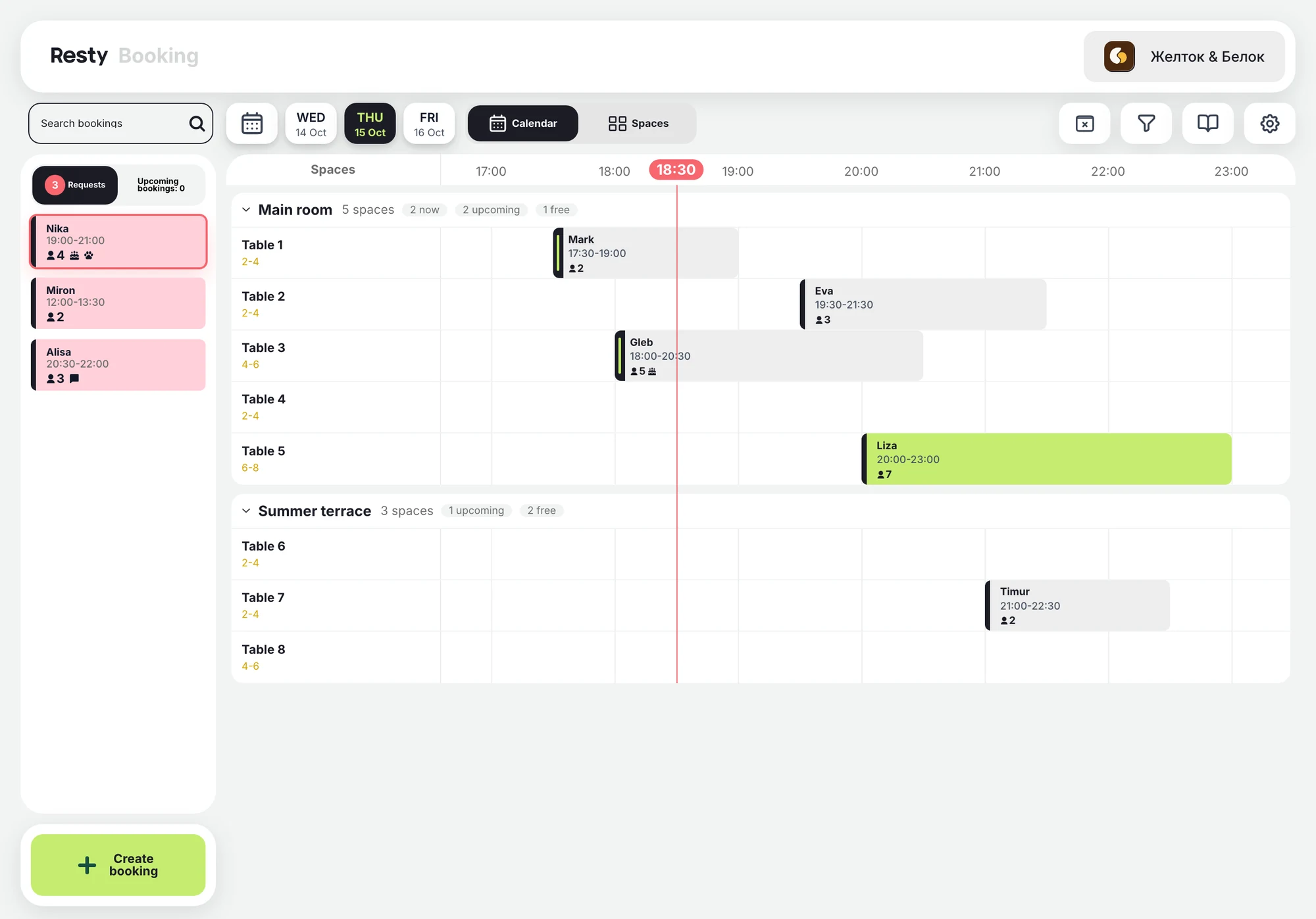
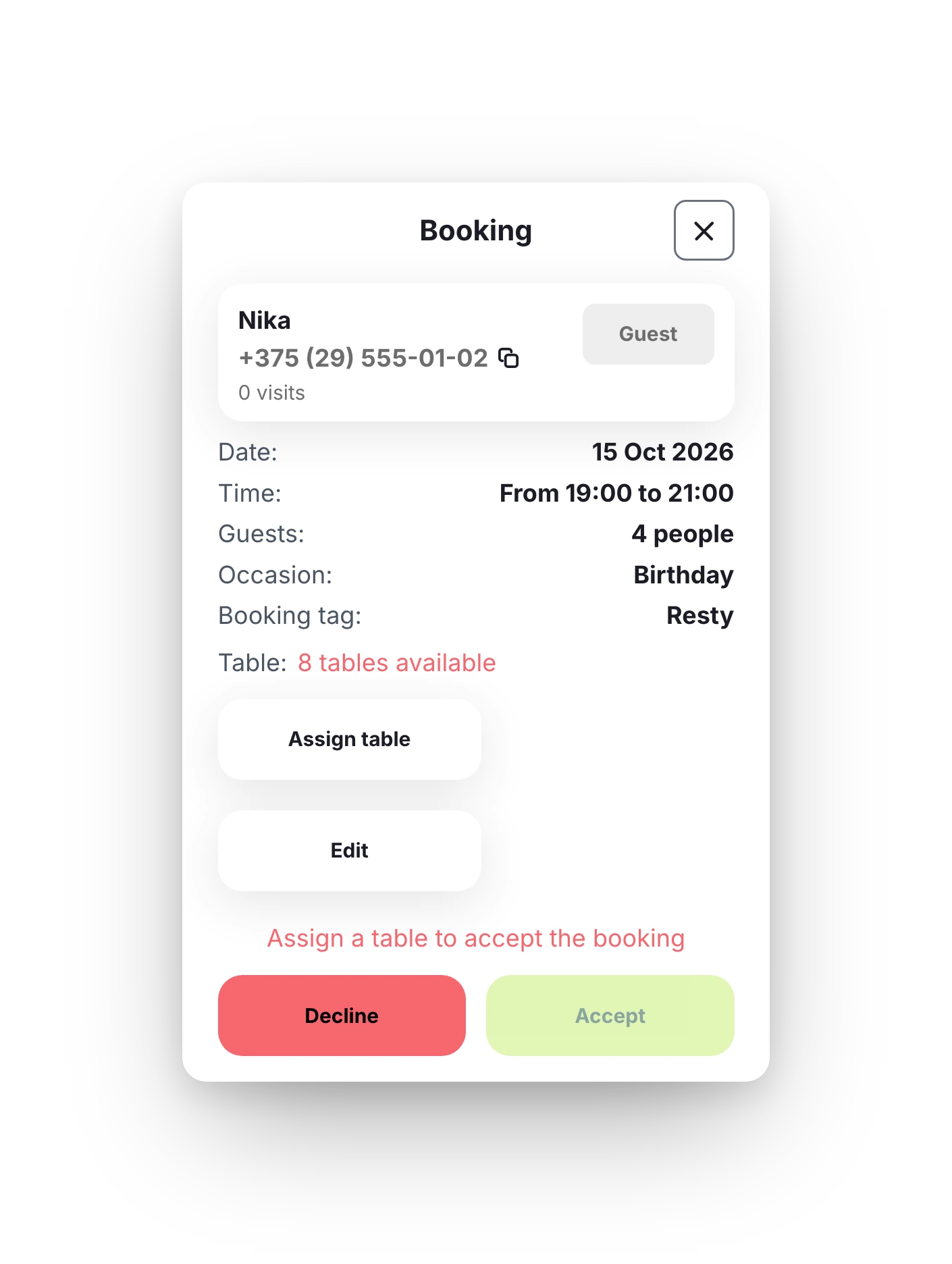
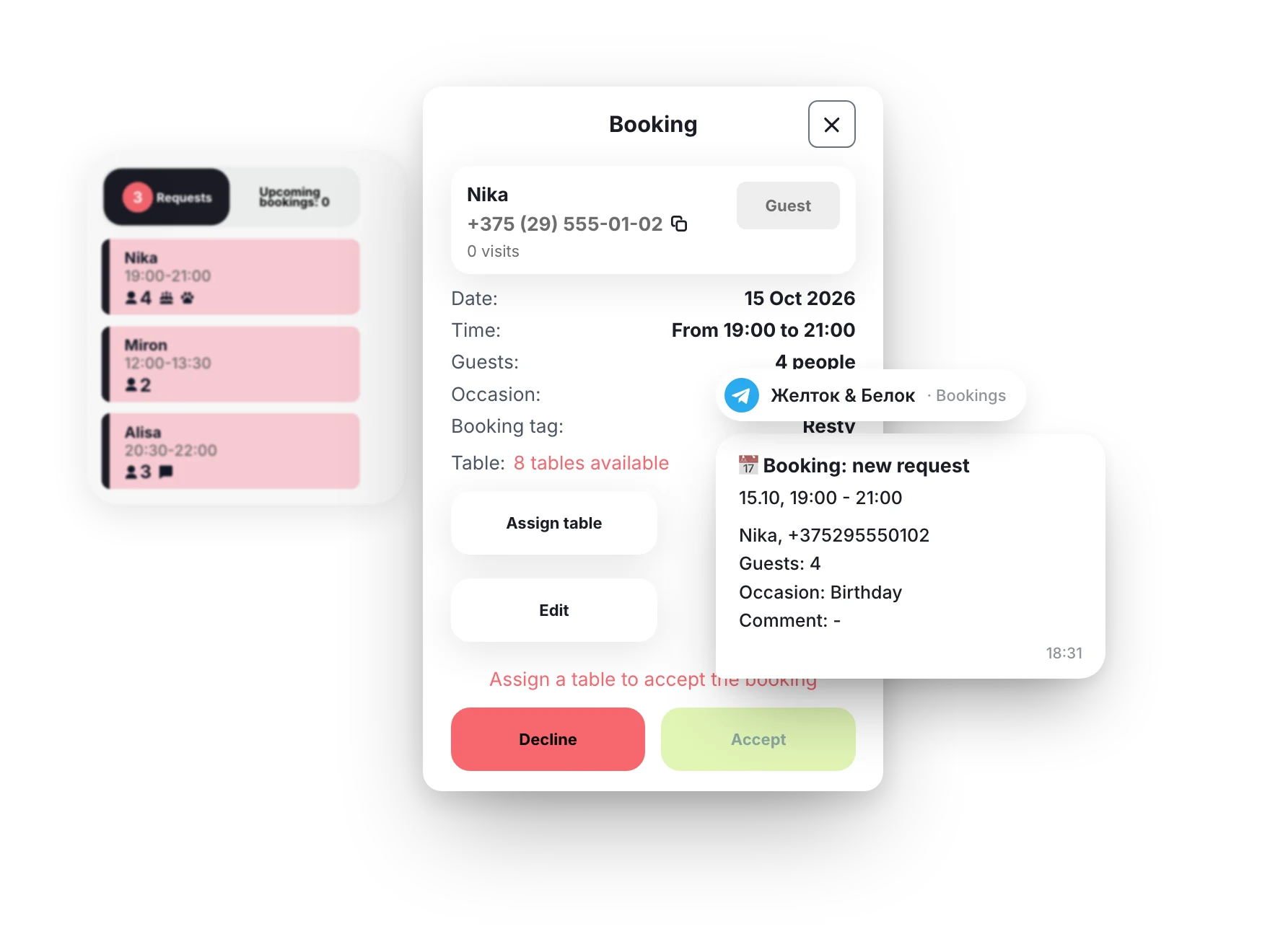
New bookings wait in “Requests” and arrive in your Telegram chat. Assign a table and accept it.
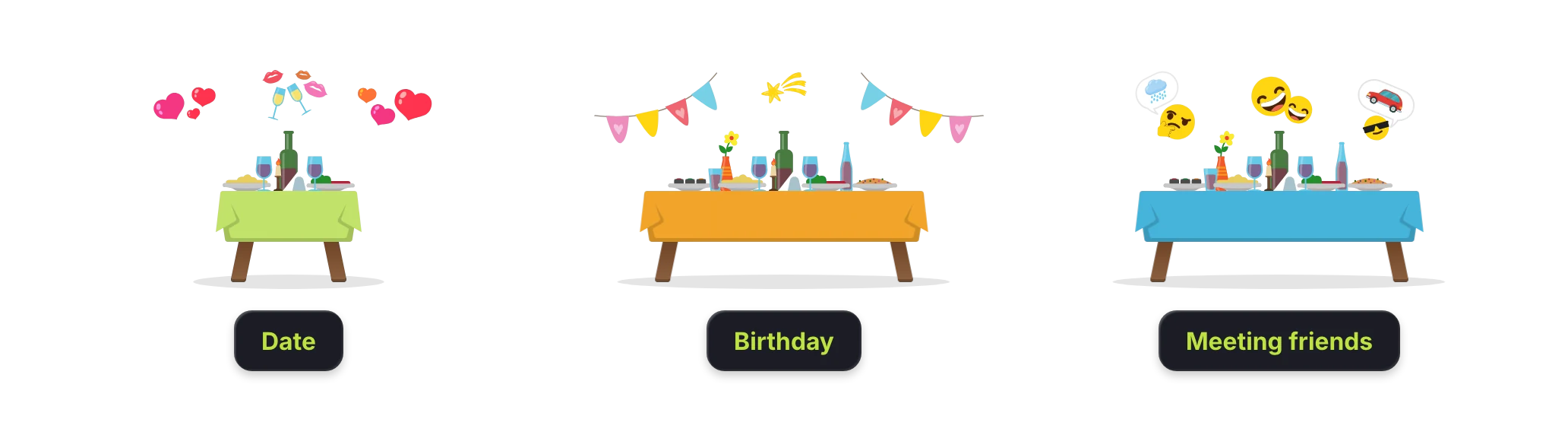
A date, a birthday, a catch-up with friends: knowing the occasion helps your team prepare.
Share your link on social media, maps and your website. Booking is also on your venue page in the Resty app.
Your booking link on Instagram, Telegram and map listings.
A “Book” button on your site leads to the same online booking.
Booking on your venue page, next to the menu and offers.
Requests, calendar, guests and floor settings in one section of the admin panel. A host can learn it in a single shift.
Can’t find your answer? Message us on Telegram or leave your details below.
Send us a request. We’ll move your rooms and tables into Resty, and guests can start booking in the Resty app and via a link in their browser. Requests arrive in the admin panel and your team’s Telegram chat, and an administrator assigns the table.
No. Guests choose the room, day, time and party size, and an administrator assigns the table when accepting the request.
Yes: a percentage of the cost, a fixed amount per booking or an amount per guest for parties of a set size or larger. Guests pay online when they book, through bePaid.
If your venue allows it, guests tick “I’ll bring a dog” and see your rules for visiting with dogs. Your team sees the note on the booking.
By SMS or a push notification in the Resty app. If a guest asks for a call back, the request is marked “Guest is waiting for a confirmation call”.
From the Resty app and from the booking link in a browser. Bookings made by phone, on Instagram or in Telegram are added by an administrator, who tags the source.
Guest profiles are visible only to your team. They can be synced with Bitrix24.
From 59 BYN a month. Booking is also included in the “QR payment and bill splitting” package.
Listing in the app is free. Add the other products when you’re ready.