All about each dish
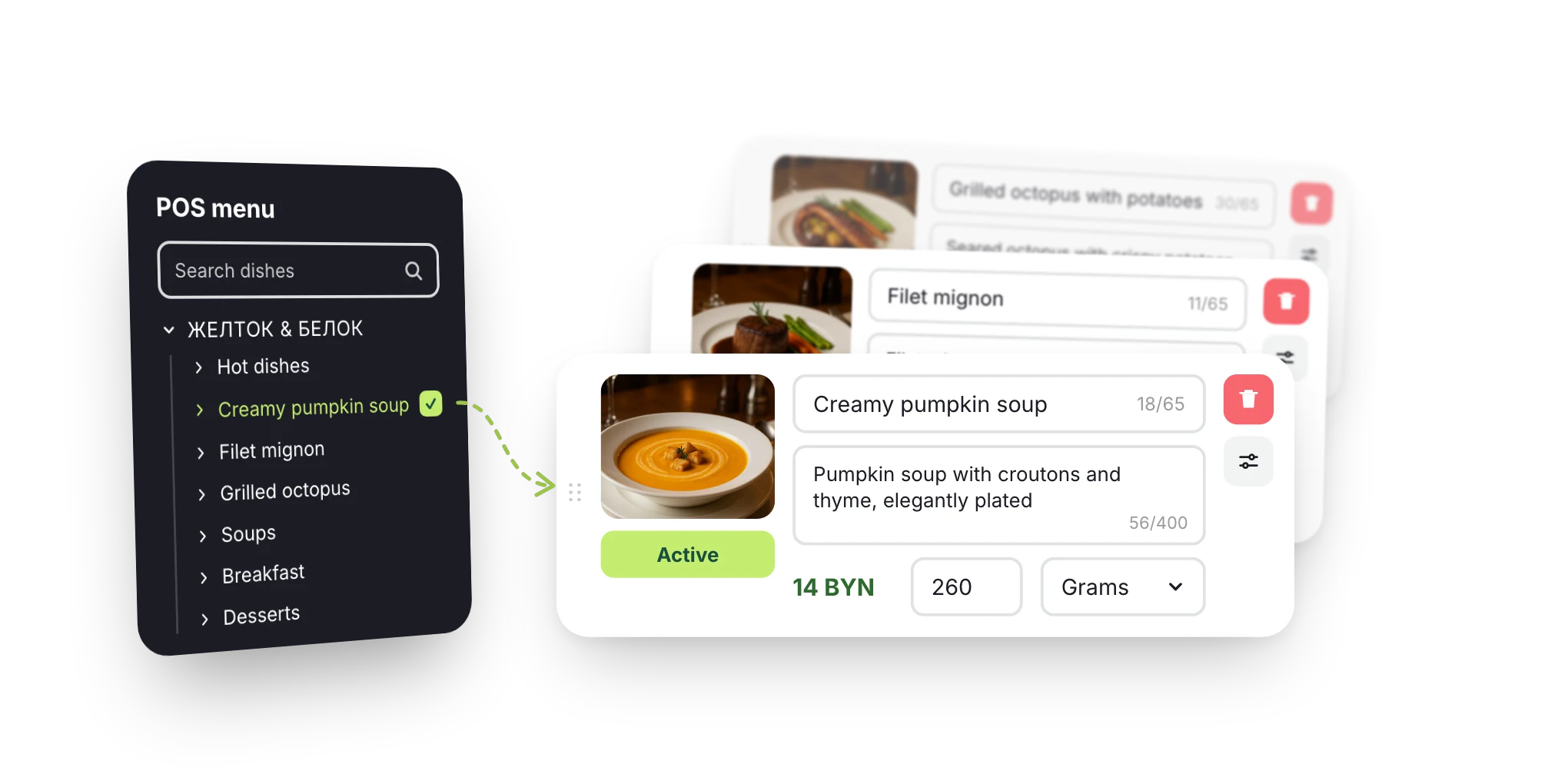
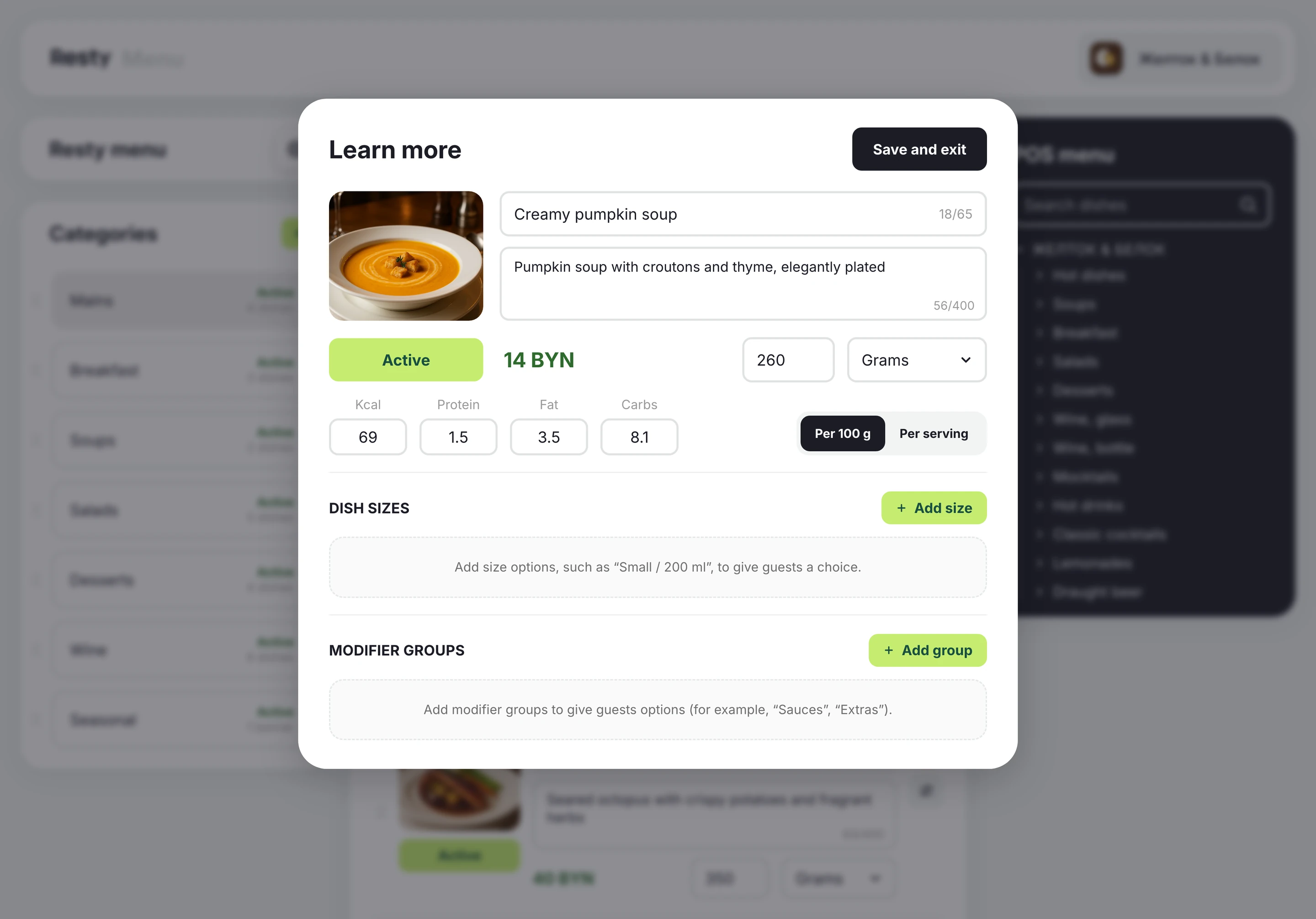
Photos, weight, sizes, add-ons and nutrition info per serving or per 100 g.
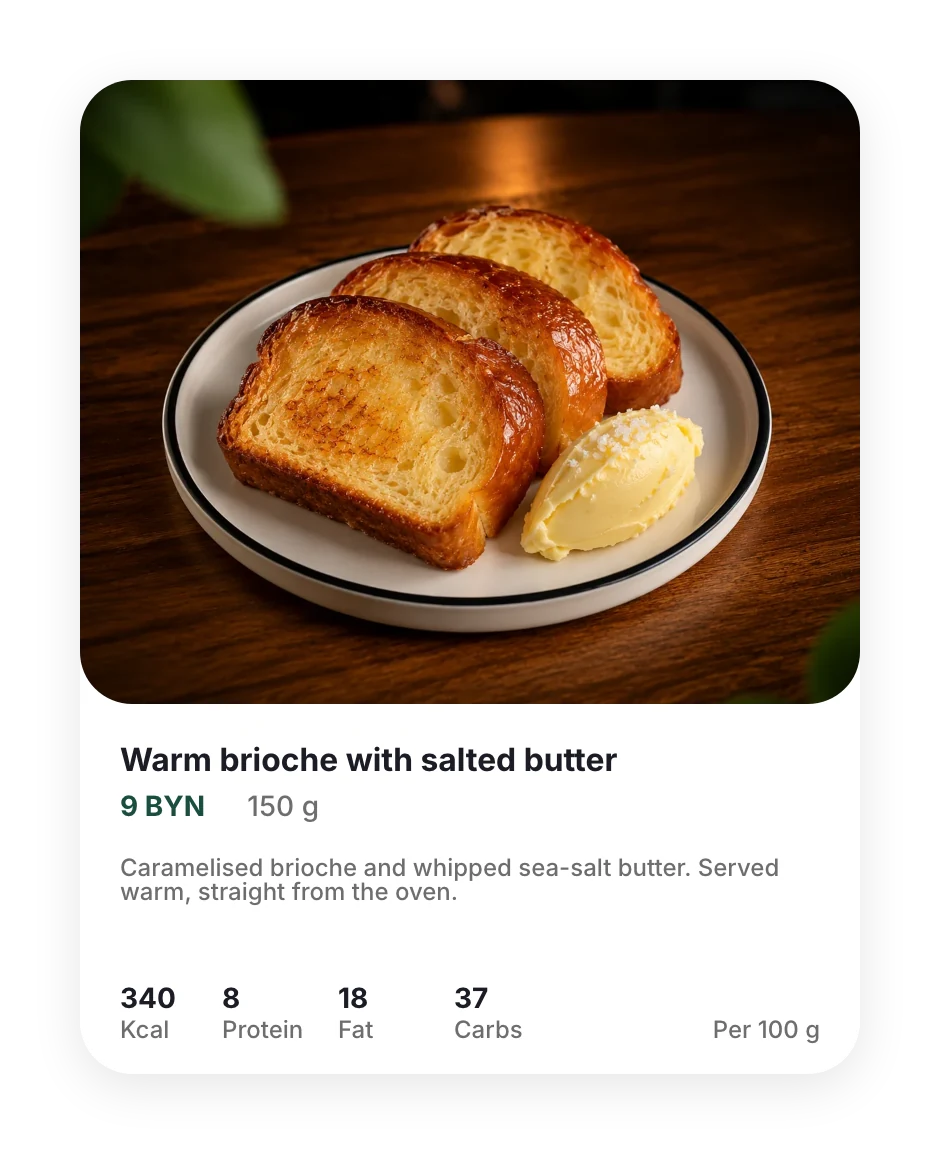
Make every dish look worth trying. Guests open the menu from the QR code on the table or in the Resty app. Photos, descriptions, ingredients and nutrition info help them choose.
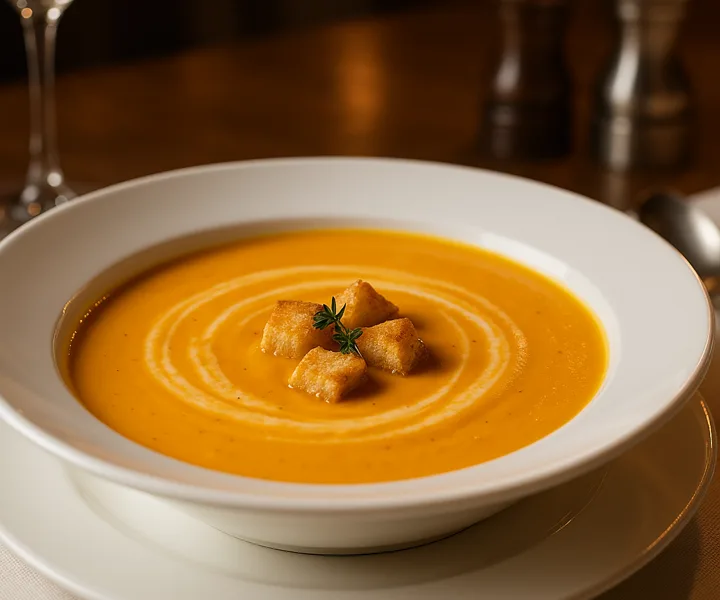
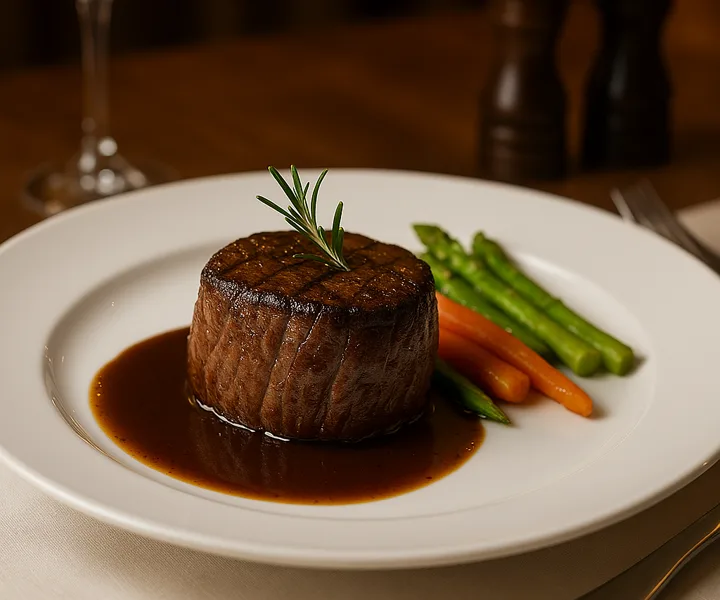
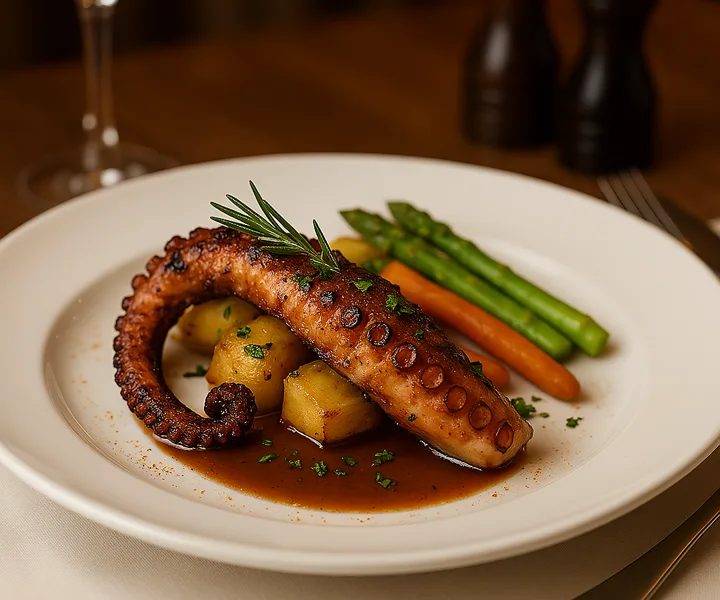
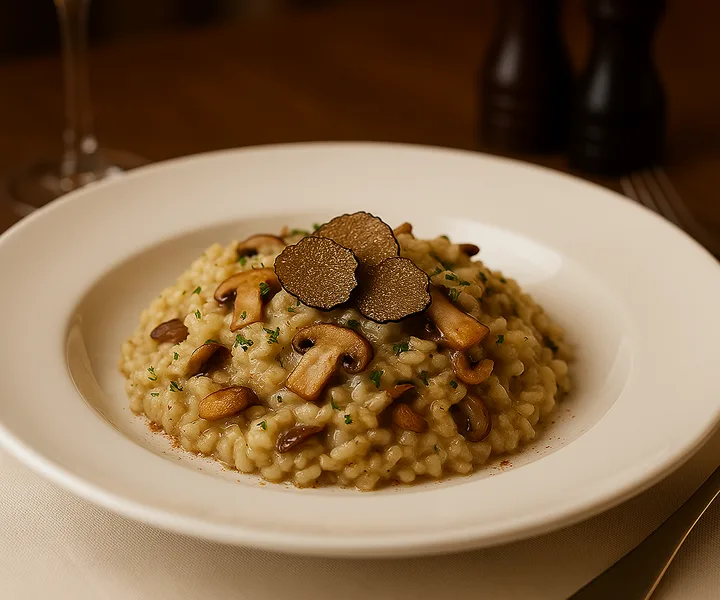
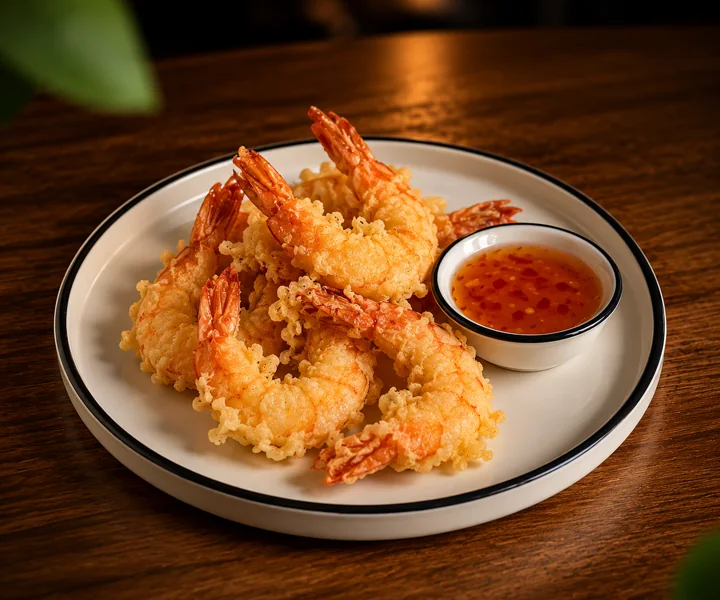
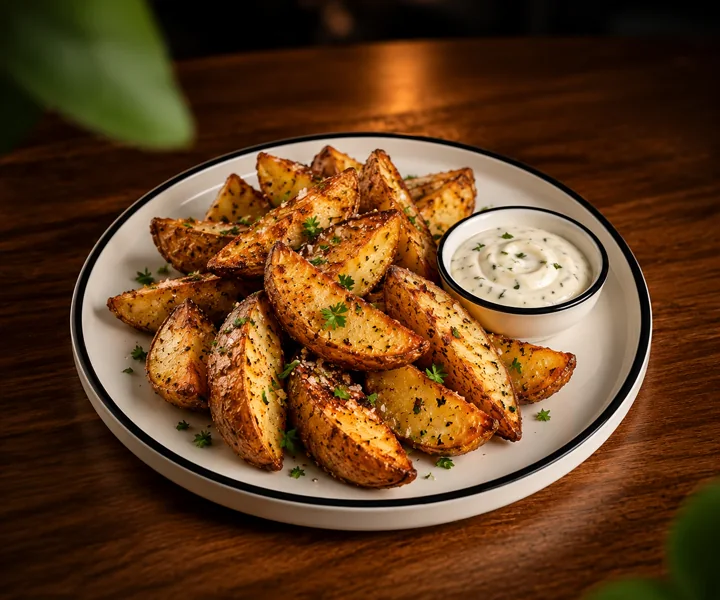
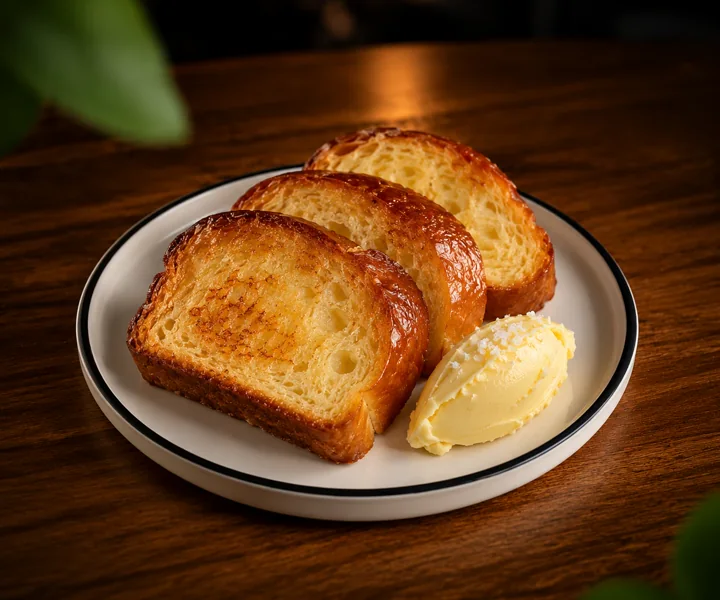
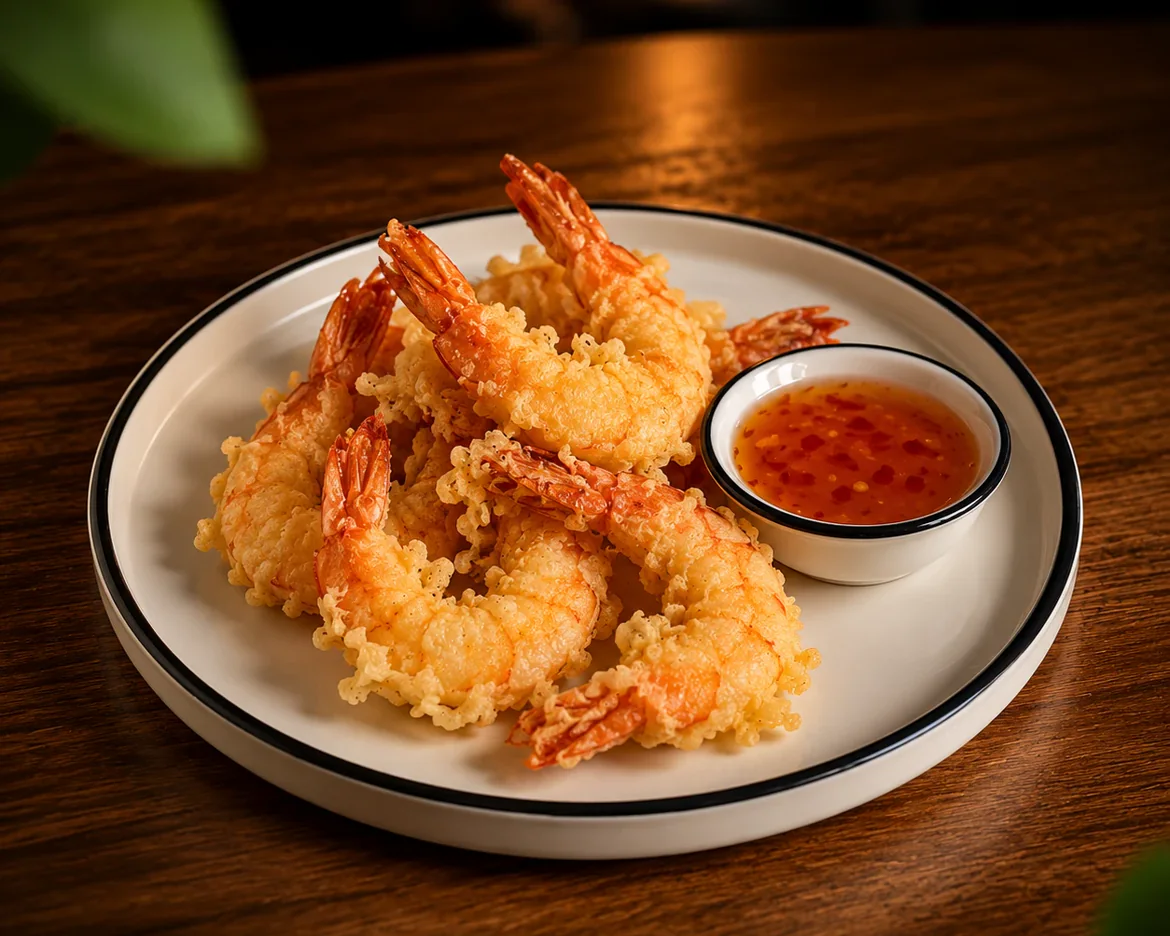 Tempura prawns with sweet chilli sauce24 BYN180 gTiger prawns in a light tempura batter, fried until crisp. Served with sweet chilli sauce.
To order from the menu,
please ask your waiter
Photos, weight, sizes, add-ons and nutrition info per serving or per 100 g.
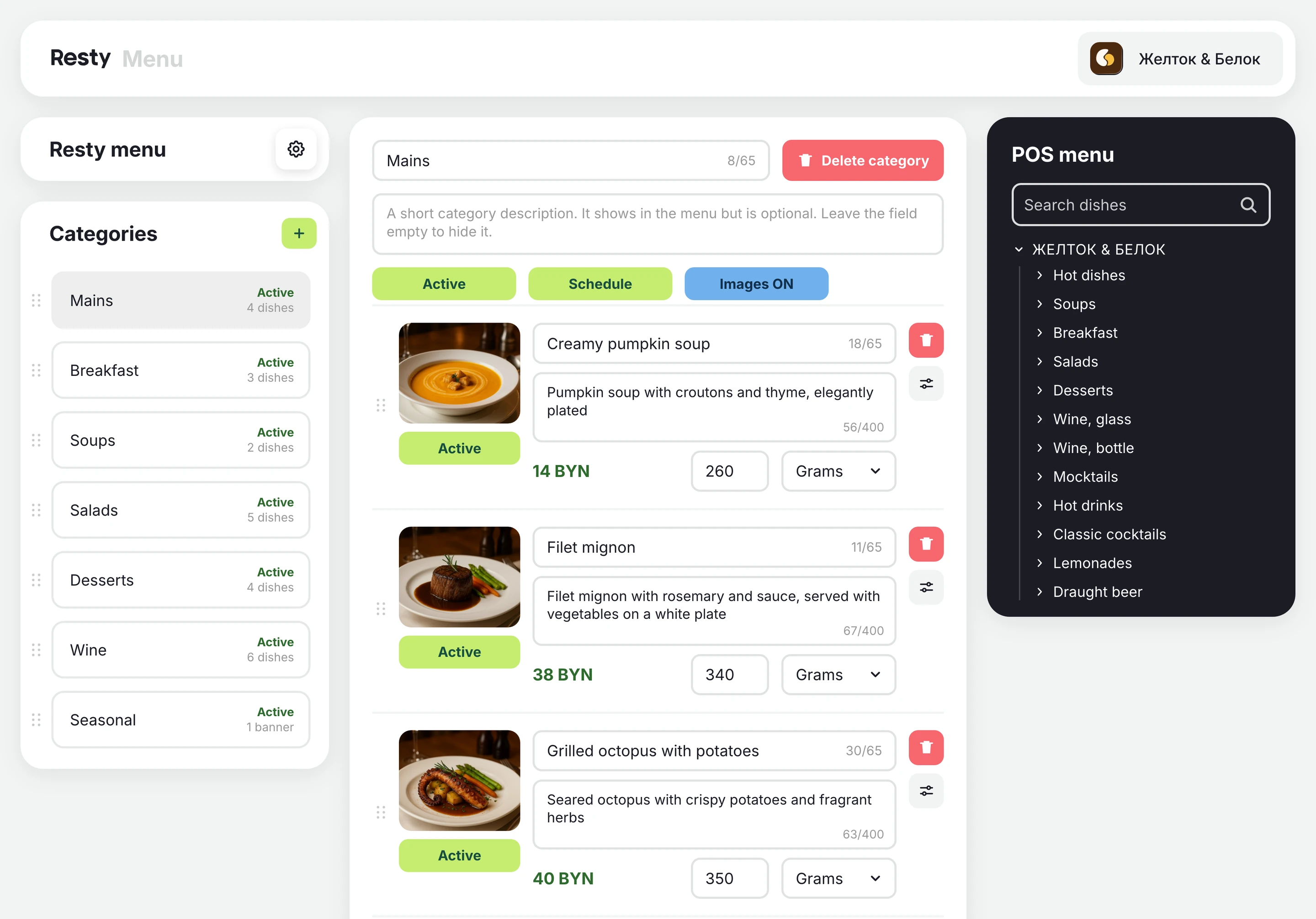
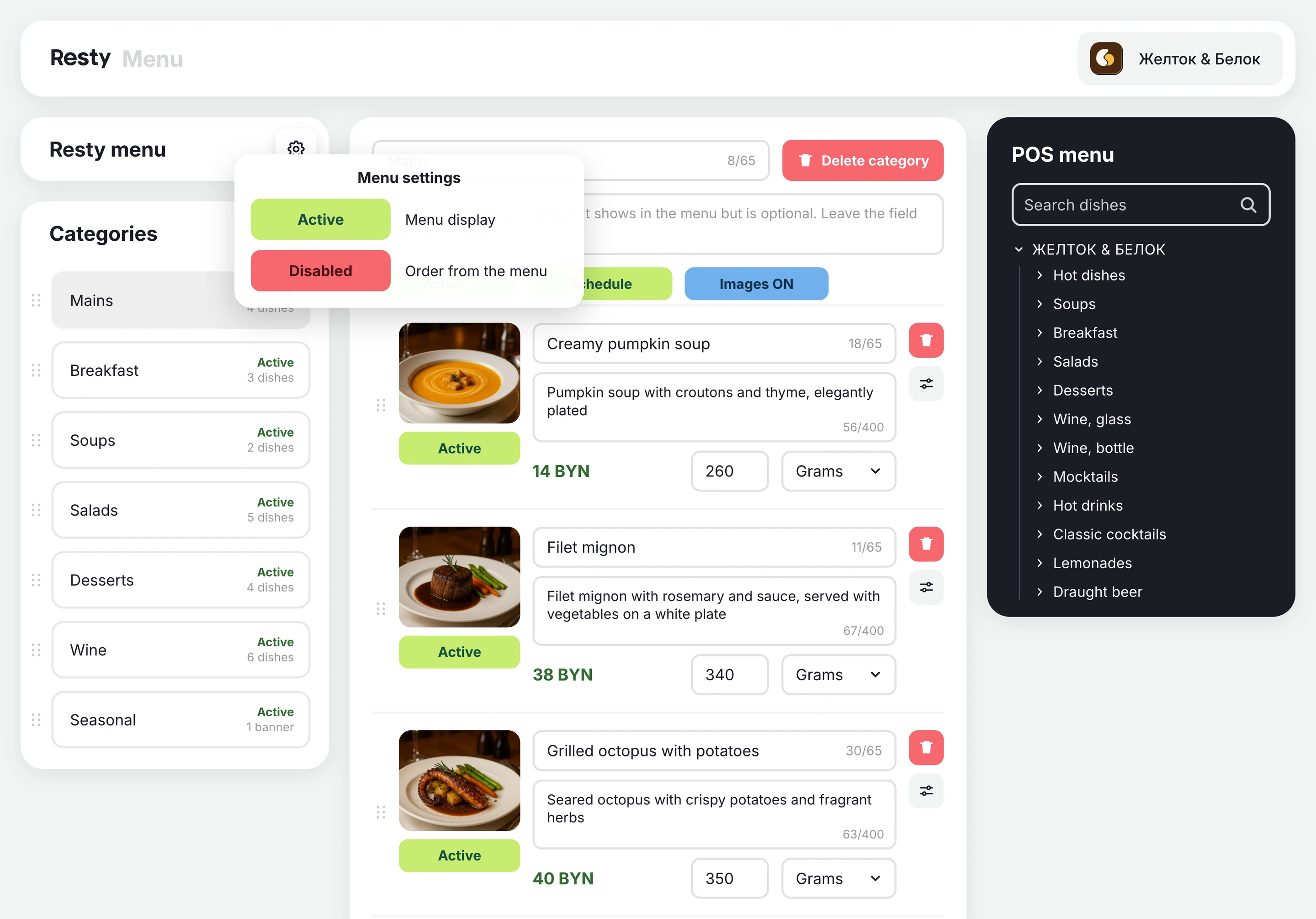
We pull in dishes from r_keeper or iiko. You choose what guests see.
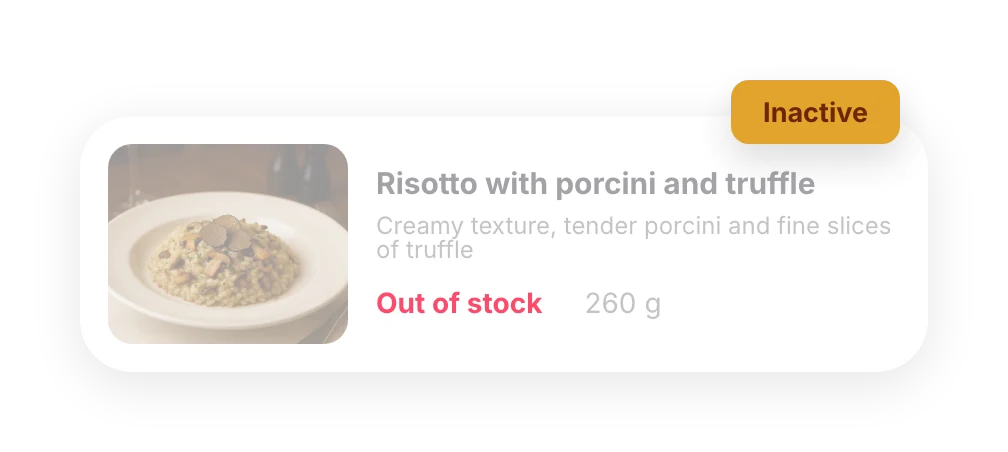
Put a dish on the stop list in your POS and it’s marked “Out of stock” straight away.
upsell: guests order with their eyes
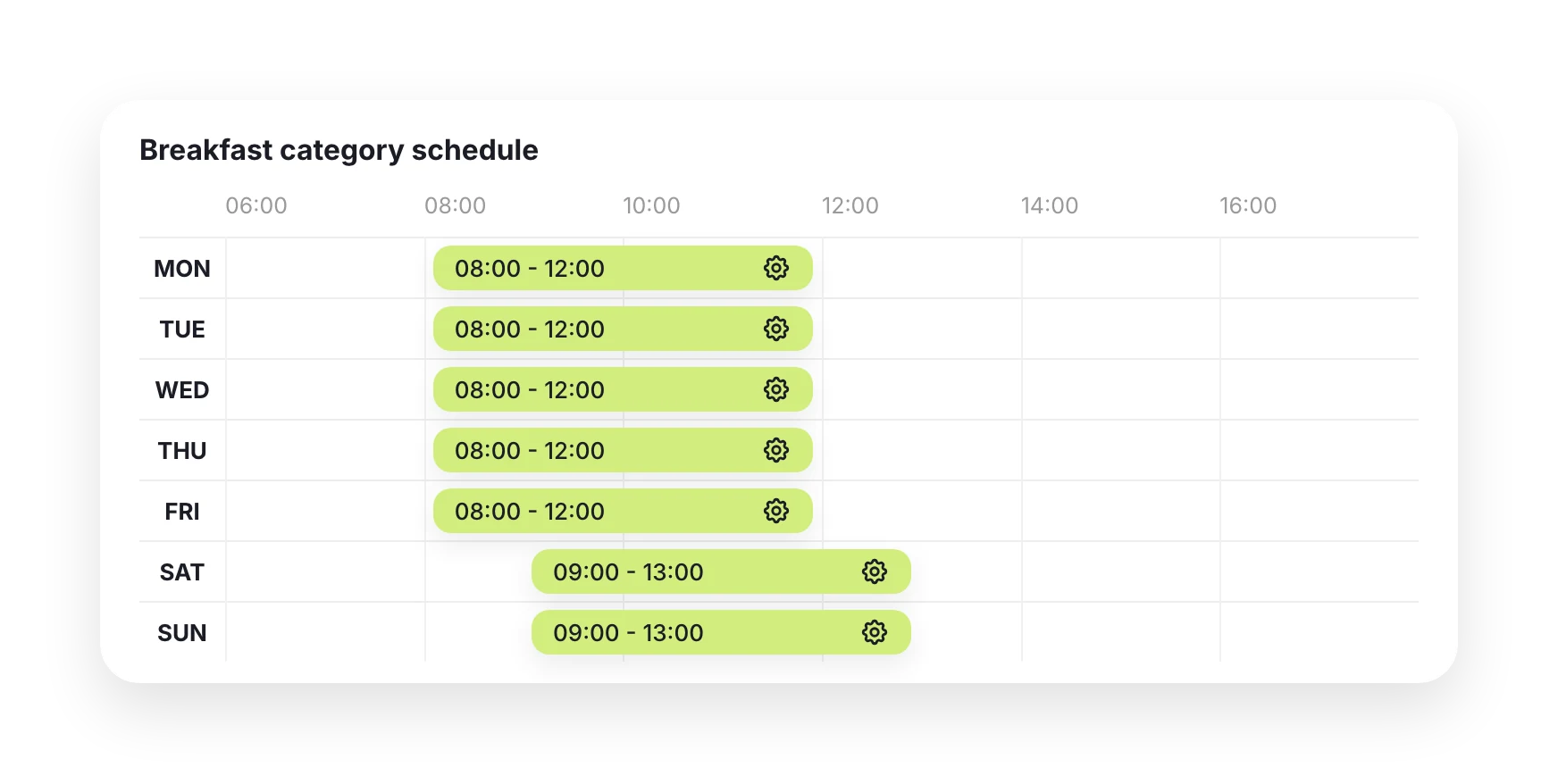
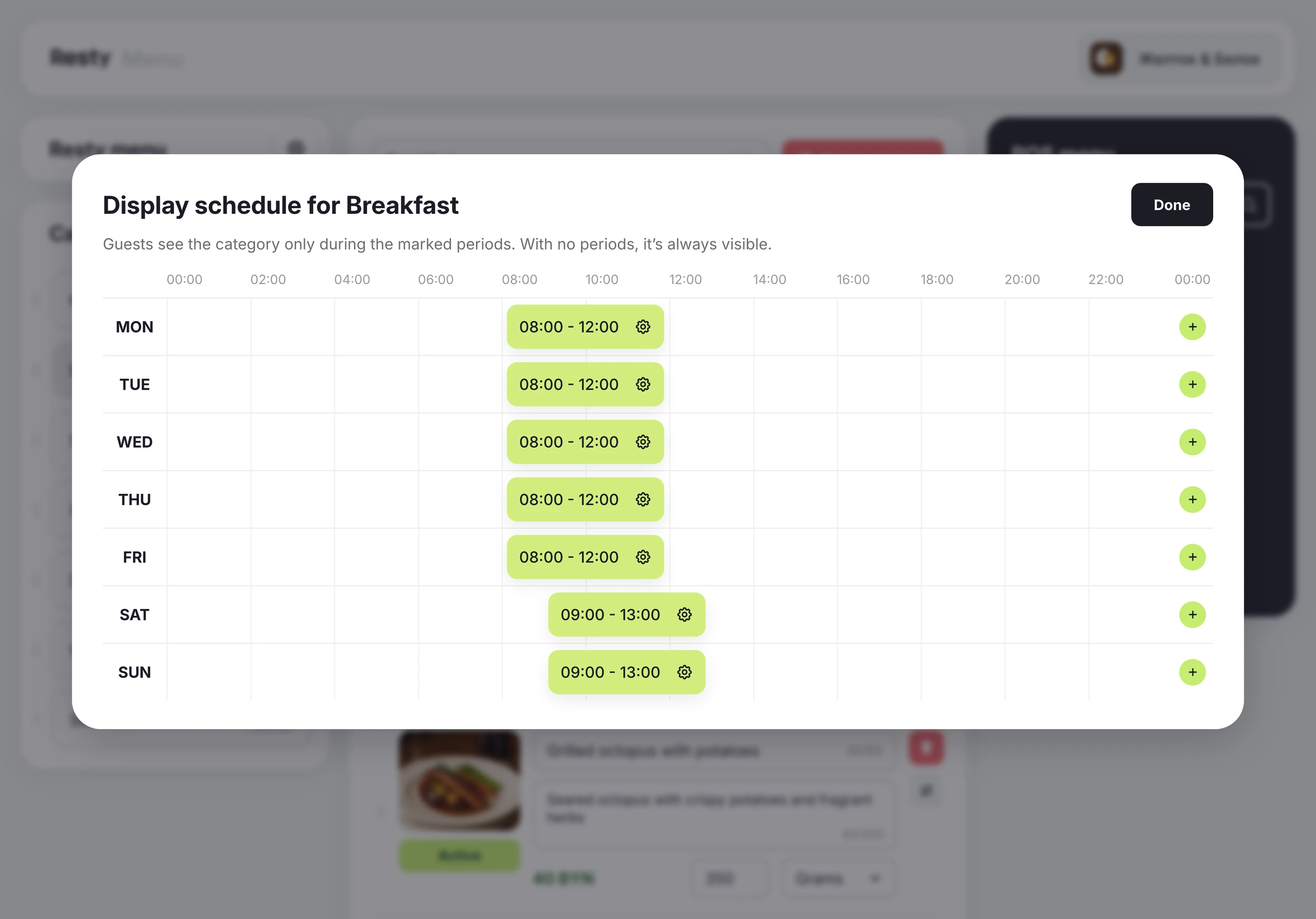
Breakfast until noon, set lunch on weekdays, the bar in the evening.
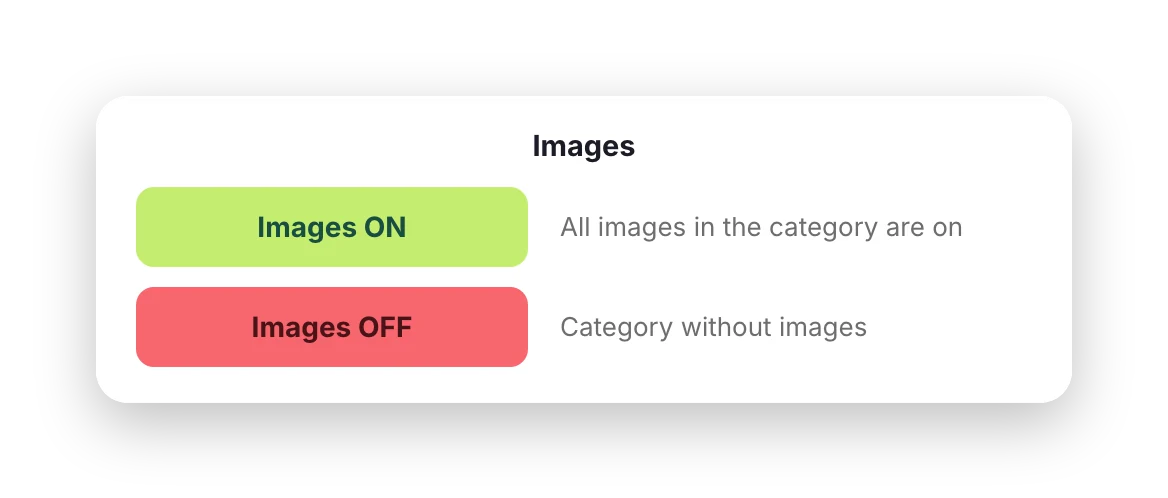
Turn photos off in drinks sections and the menu becomes a simple list.
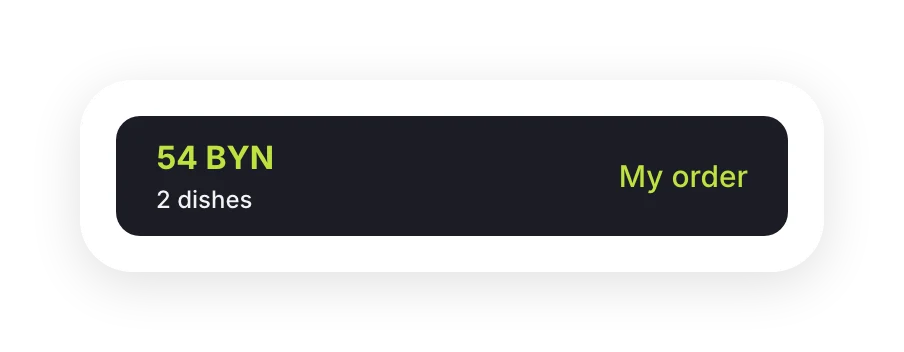
Turn it on and guests put together their own order, which the waiter then confirms.
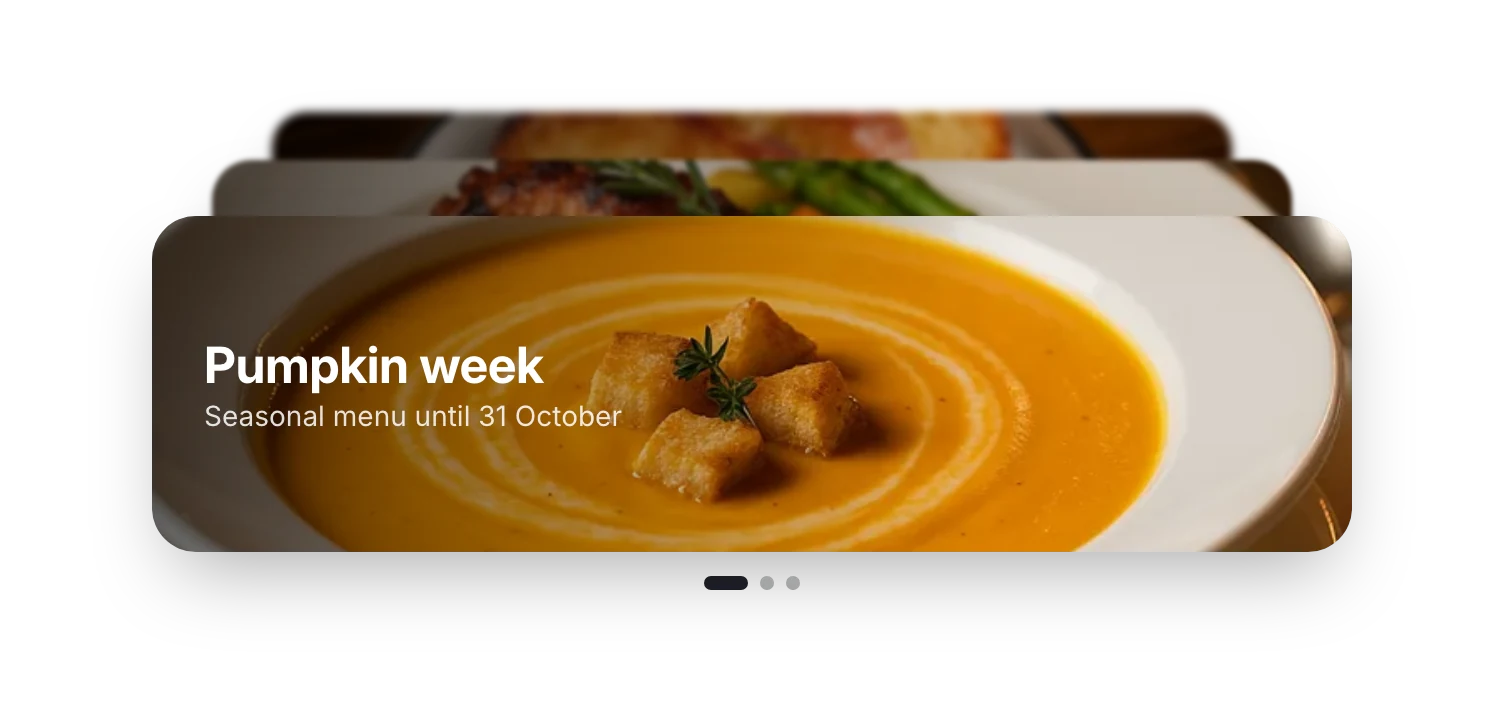
A seasonal dish or the set of the day. The promo category sits above the menu, so guests see it first.
The menu opens in the browser, with nothing to download. At the end of the evening, guests pay the bill with the same QR code.
The same menu sits on your venue page in the app, next to offers and booking.
The menu also opens from your venue’s link. Add it to Instagram, map listings and your website.
Anyone on your team can build the menu, even with no experience. Everything is where you’d expect it and clear at a glance.
Can’t find your answer? Message us on Telegram or leave your details below.
It’s a menu guests open with their phone camera from the QR code on the table, with no app to download. It has dish photos, descriptions, weights, nutrition info and prices, and at the end of the evening the same QR code lets guests pay the bill.
Send us a request. We’ll connect your POS and pull in your dishes, you’ll add photos and descriptions in the Resty admin panel, and we’ll prepare the QR codes for your tables.
There’s nothing to reprint: a new dish, a new price or “Out of stock” is visible to guests as soon as you save. Photos and nutrition info help guests choose, and prices always match your POS.
Yes. You can add dishes by hand, with prices in BYN.
Yes, if you turn on ordering from the menu. Orders go to your team’s Telegram chat, where a waiter confirms them and sends them to the kitchen.
Add it to the stop list in your POS and it’s automatically marked “Out of stock” in the menu. Guests see the label, and the dish drops to the bottom of its section.
The menu is included in the “QR payment and bill splitting” package. On its own, the menu starts at 59 BYN a month.
Listing in the app is free. Add the other products when you’re ready.